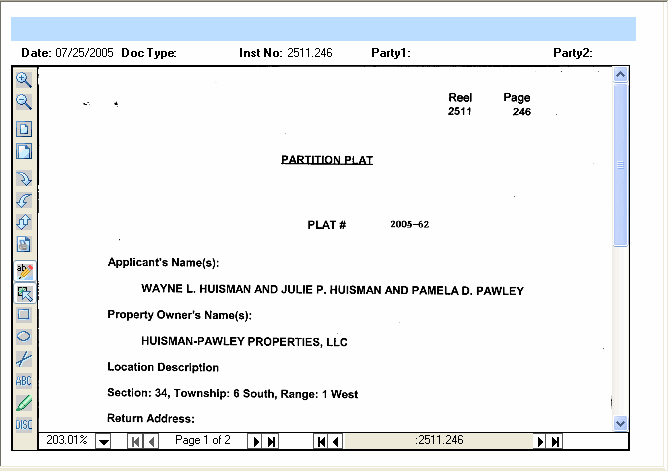
The Image layout consists of two parts: Image Section (which can be divided into an Image Pane and a Title Pane), and Tools. The Image Section is the portion of the output screen that contains the actual image that was retrieved. Tools are the scroll bars located to the right and bottom of the image section.
The search results for images defaults to the percentage that fits your screen size and resolution. Image displays can be enlarged or reduced by clicking on the corresponding tool buttons.
Related Topics